Live location finder
Where am I right now?
Find your current coordinates, check your location on a map and see the nearest mapped address. Your browser asks permission first.
Location permission is required. Coordinates go to OpenStreetMap services for address lookup and map display.
A location pin is an estimate — check it before using it
1. Read the accuracy. A larger radius means more uncertainty. Extra decimal places do not make a reading more accurate.
2. Verify the address. Match the street and building number with signs. The map may return a nearby feature instead of your entrance.
3. Refresh after moving. This is a one-time reading, not continuous tracking. Shared links keep the captured coordinates.
How to find where you are right now
- Tap the button. Tap “Show where I am right now” at the top of the page.
- Allow location. Choose Allow when your browser asks to share your location.
- Check your result. Read your coordinates and estimated accuracy, then compare the map pin and mapped address with nearby streets and signs.
- Share or copy. Copy any detail or share a Google Maps link with friends or family.
The result shows where you are at right now as a human-readable address, raw coordinates and an accuracy radius. If the radius is large, move to an open, safe place or turn on Wi-Fi and press Refresh. A request can take up to 20 seconds before this tool times out; address lookup is a separate request and may take longer.
What you'll see when you check your location
Use the result that fits your task. Coordinates describe a point, while the address depends on available map data. Missing fields are not evidence that your device failed to locate you:
- Mapped street address — house number, street name and neighbourhood, when the map has those details.
- City, state and ZIP or postal code — a starting point to verify before using it for deliveries or official forms.
- Country — useful when you're travelling near a border.
- GPS coordinates — latitude and longitude to six decimal places, ready to paste into any map.
- Accuracy radius — your device's estimate of uncertainty in metres, not a guarantee.
- Interactive map — a zoomable OpenStreetMap view with a pin on the captured position.
- One-tap sharing — send a Google Maps link to anyone.
Need more detail? The exact address page breaks your address into every field, and the coordinates page converts your position into DMS and DDM formats used by pilots, sailors and hikers.
How accurate is "where am I right now"?
Accuracy depends on your device, its permissions and the available positioning signals. Read the radius in your own result rather than assuming a phone or laptop always achieves a fixed number of metres. The browser defines horizontal accuracy as an estimated radius with a 95% confidence level; it does not identify which sensor produced the reading. Denying permission stops this device lookup rather than silently switching it to IP.
| Radius shown | How to interpret it | What to check |
|---|---|---|
| Up to 20 m | A relatively small estimated area | Building signs, entrance and side of the street |
| Over 20–100 m | May include several buildings | Street and nearby landmarks |
| Over 100–1,000 m | A broad area, not one address | Neighbourhood; refresh for a better reading |
| Over 1 km | Too coarse to pick a street address | Device permissions and an alternative map app |
If your result is less precise than you expected, our guide why is my location wrong? walks through nine common fixes.
How your device knows where you are
Your device's location service chooses available signals. This site receives the resulting coordinates, not the underlying sensor data.
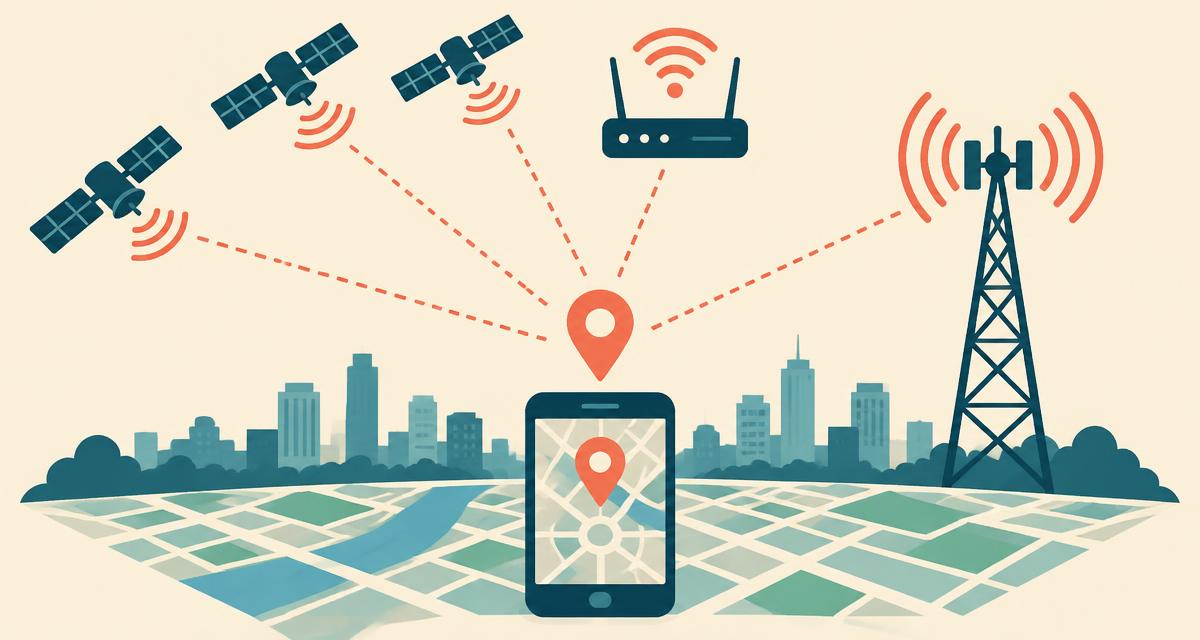
GPS
Satellite-based positioning can be precise outdoors; buildings and blocked sky can reduce accuracy.
Wi-Fi
A device's location service may use nearby network information, especially indoors or on a laptop.
Cell towers
Mobile-network signals can provide a coarse estimate when other signals are limited.
IP address
Our separate IP tool reports a database estimate of your connection, not a verified physical position.
Why people ask "where am I right now?"
Lost or travelling
Stepping off a train in an unfamiliar city, leaving a stadium through the wrong exit or wandering a new neighbourhood — a quick check of your exact street and nearest cross street gets you back on track without opening a full navigation app.
Calling for help
If you need urgent help, call your local emergency number first. Give visible landmarks, road names and travel direction; offer coordinates as additional information if the dispatcher asks. Do not delay a call while waiting for this website or rely on an unverified map address. For non-emergency roadside help, confirm a safe meeting point. See how to share your location in an emergency.
Rides, deliveries and meet-ups
Confirm the correct pickup address before booking a ride, tell a delivery driver exactly which building you're in, or send friends a map link so they can find you at a festival or park.
Filling in forms
Your current physical location is not necessarily your home, billing or mailing address. Use the required address for hotel, job or shopping forms, and verify postal codes with the local postal authority when they matter.
Checking your privacy
Curious what websites learn about you? The where am I right now IP page shows the city, provider and time zone your IP address exposes — and whether a VPN is masking it.
Where am I right now: GPS vs IP location
There are two different answers to "where am I?". Device location comes from your browser's location service, requires permission and can be precise when good signals are available. IP location is a database estimate of your internet connection. It may point to an ISP's network or VPN exit server in another region. A static IP is not a verified address, and a changing IP does not mean you moved. Comparing several IP databases can reveal disagreement, but cannot turn their estimates into an exact physical position.
No saved location history. Address lookup and map display send coordinates to OpenStreetMap services. IP checks use external providers, and a shared link exposes its coordinates to the recipient. Read our privacy policy before sharing a sensitive location.
Tips for the most accurate location
- Use a phone rather than a laptop — phones have GPS chips, most laptops don't.
- Turn on Precise Location (iPhone) or Use precise location (Android).
- Switch Wi-Fi on even if you're not connected; it sharpens indoor positioning.
- Step outside or move near a window, then tap Refresh.
- Wait a few seconds — the first fix is often a rough cell-tower estimate.
Location blocked? Follow our step-by-step guide to turning on location services for iPhone, Android, Chrome, Safari, Firefox and Edge.
Location not working? Match the problem to the next step
The browser says permission was denied
Open this site's permission settings in your browser and allow location. Also check the device's location setting: browser permission alone is not enough if system access is disabled. On iPhone, check Settings → Privacy & Security → Location Services and the entry for your browser or Safari Websites. On Android, check Settings → Location, then the browser's app permissions. Names vary by version. Reload this page and request a new reading. Our location settings guide covers the steps in more detail.
The location request times out or has a large radius
Keep the page open, enable Wi-Fi, and try again somewhere safe with a clearer view of the sky. A desktop without positioning signals may remain coarse even with permission. If another map app is also wrong, check the device settings; if only this website fails, check site permissions or try a different browser. Repeated refreshes cannot guarantee a better result.
The pin appears, but the address is missing or wrong
Positioning and address lookup are separate. You can still copy coordinates or open Google Maps when address data is unavailable. Nominatim looks up nearby mapped objects, which may be on the other side of a road or lack a house number. Check street signs rather than using a guessed number for a delivery.
The IP page shows another city or country
Look for a VPN, proxy, corporate gateway or mobile-network routing. An IP result describes the public connection seen by that provider. Use the device locator with permission to check your physical position; the IP result is not evidence that your GPS is broken. See finding your location while using a VPN.
Choose the location detail you actually need
- A pickup or meeting: use the mapped address, then agree on a visible entrance or landmark.
- A point in a park or rural area: copy latitude and longitude in that order; confirm the recipient can open the map link.
- Your current town: use the city finder, remembering that a mapped locality may differ from a legal municipality.
- A postal code: check the ZIP and postal code finder and verify it with the postal service before mailing.
- What your internet connection reveals: use IP location, not the result as proof of residence.
- Time at your destination: check local time and time zone; device settings and IP-based time zones can differ.
What this tool cannot determine
It cannot locate another person from a phone number, reveal a private home behind a VPN, identify your apartment or floor, or certify a property boundary. It does not provide turn-by-turn navigation, offline maps or continuous live tracking. To share movement rather than a fixed point, use an app with an explicit live-sharing feature and choose who can see it and for how long.
Sources and how to verify your result
These references explain the data behind the tool, not a promise of accuracy for every device:
- MDN: Geolocation API — browser permissions and device positioning.
- MDN: location accuracy — what the reported radius means.
- Nominatim: reverse geocoding — why the nearest mapped object may not be your actual address.
For an important decision, compare the result with your surroundings, an independent map and the relevant venue or postal authority. For emergencies, follow the dispatcher's instructions instead of relying on this website.
Location guides
9 min read
How Does My Phone or Browser Know Where I Am Right Now?
8 min read
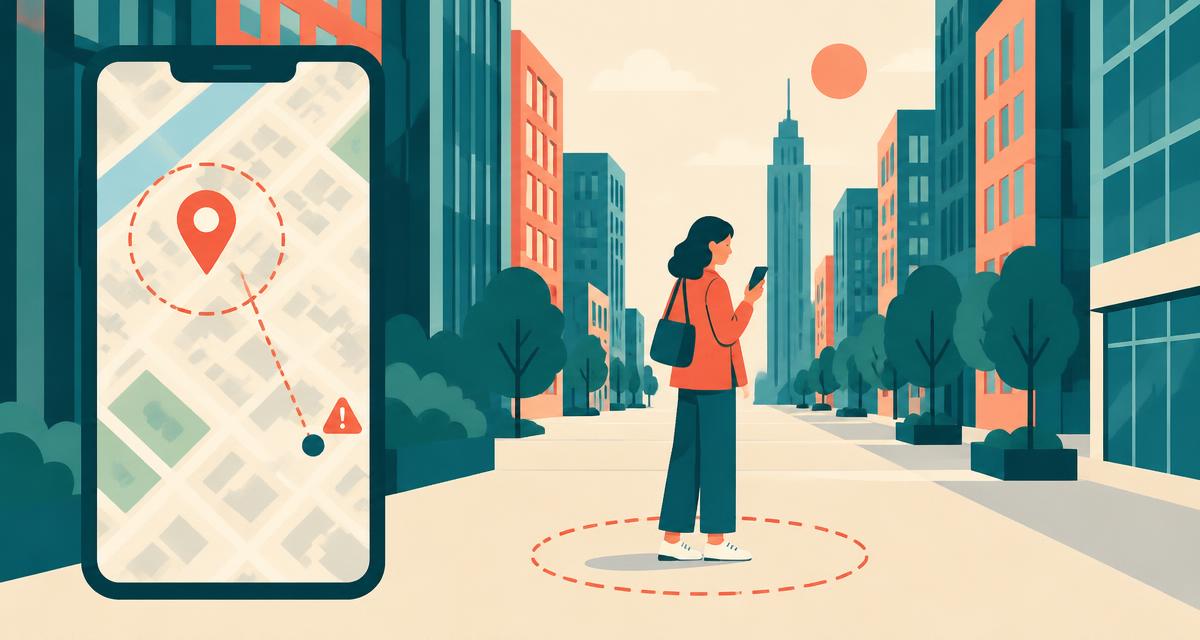
Why Is My Location Wrong? 12 Fixes for an Inaccurate Position
8 min read
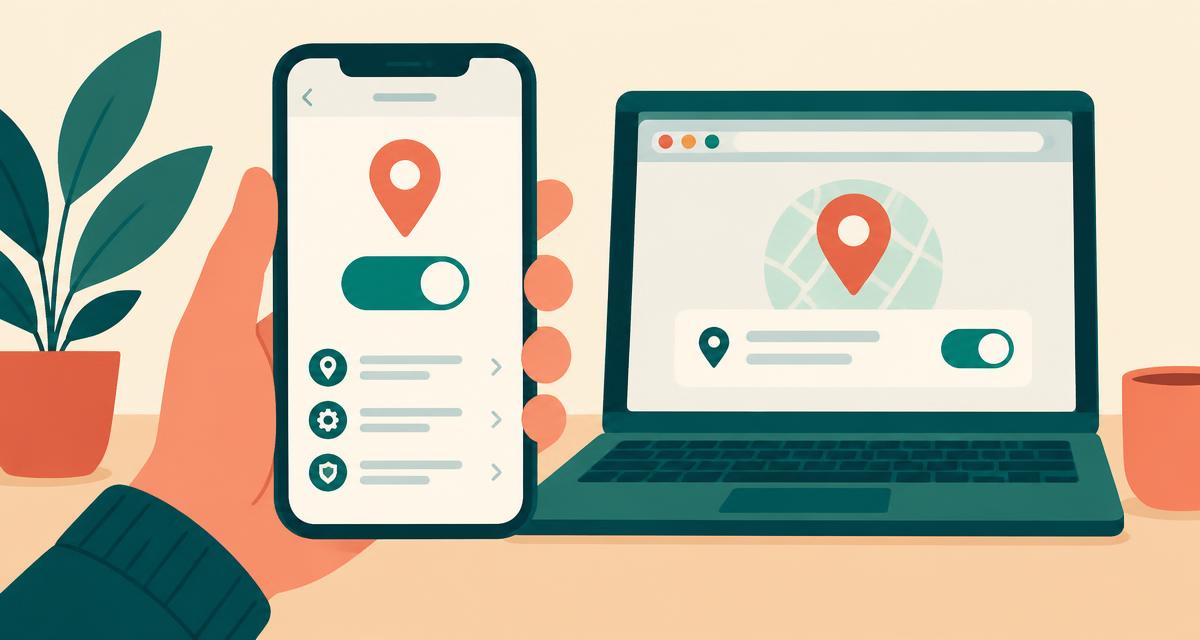
How to Turn On Location Services (iPhone, Android, Chrome, Safari, Windows, Mac)
7 min read
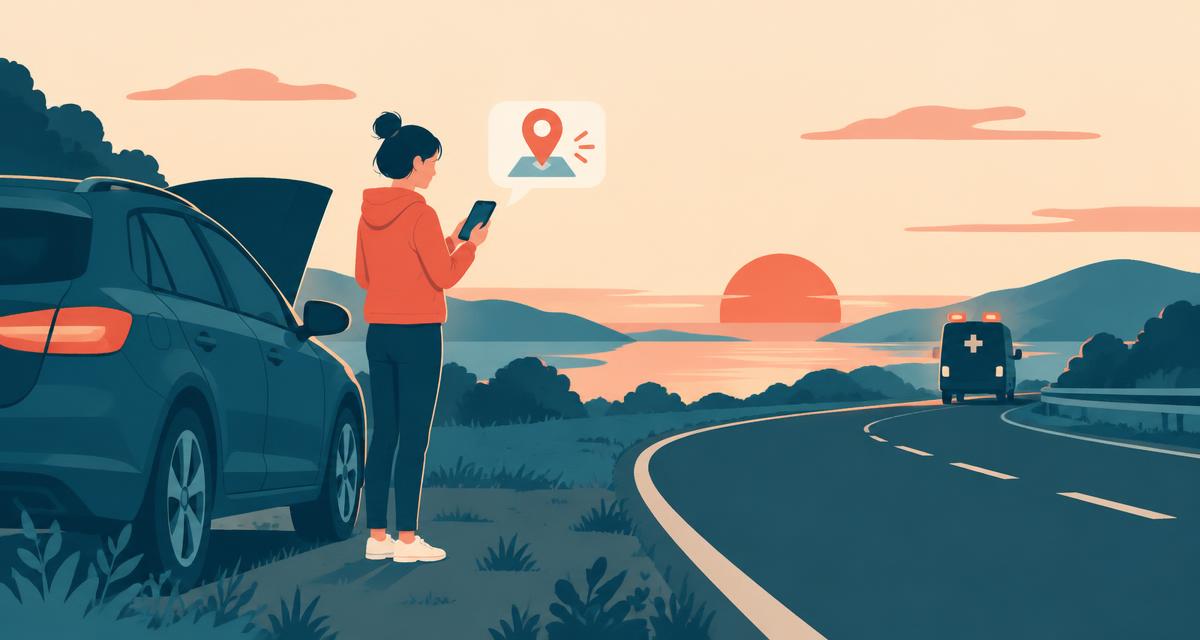
How to Share Your Exact Location in an Emergency
8 min read
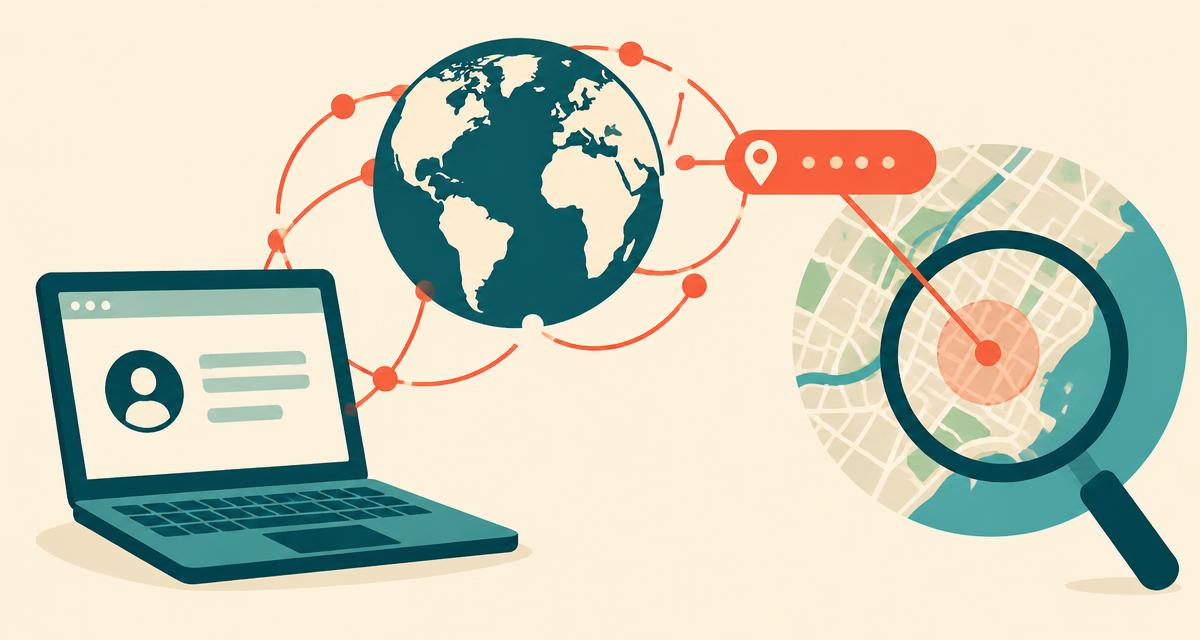
What Does My IP Address Reveal About My Location?
7 min read
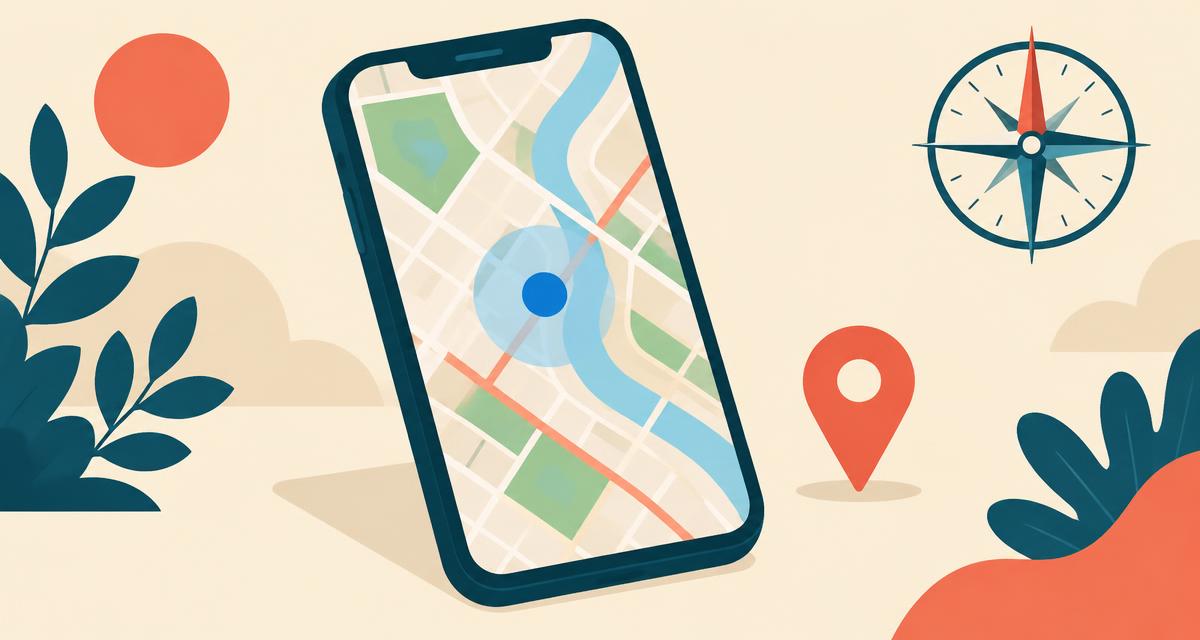
How to Find Where You Are Right Now on Google Maps and Apple Maps
7 min read
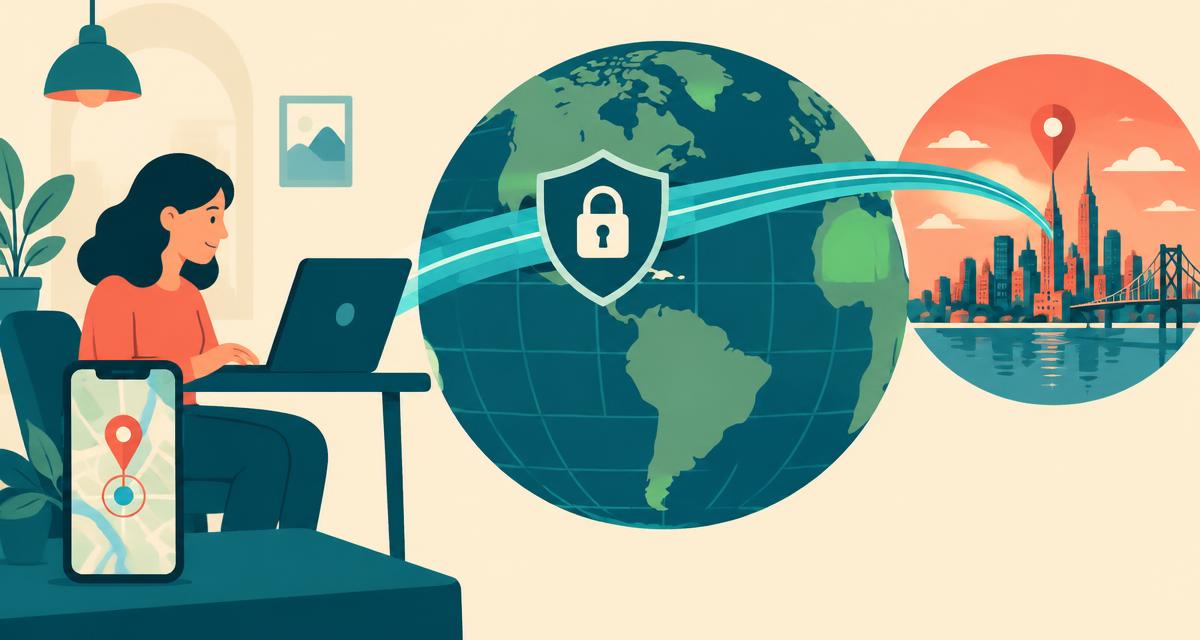
Does a VPN Hide Where I Am Right Now? IP vs Real Location Explained
Frequently asked questions
Where am I right now?
+
Select “Show where I am right now” and allow location access. The tool requests your device's current coordinates, displays a map pin and estimated accuracy, and looks up an address. Street numbers and postal codes appear only when available in the map data.
Where am I at right now exactly?
+
Your device supplies an estimated position, not a guaranteed exact point. Check the accuracy radius and compare the pin with your surroundings. A small radius can help identify a street, but it does not verify a building entrance, apartment, floor or property boundary.
How do I find where I am right now on my phone?
+
Open this page in Safari, Chrome or any mobile browser, tap the orange button and choose Allow. Make sure Location Services and Precise Location are switched on in your phone's settings.
Can I find where I am right now without GPS?
+
Yes. Browser geolocation may use Wi-Fi or other signals when a GPS receiver is unavailable, but accuracy varies. Permission is still required. Without permission, the separate IP location tool can show an approximate network location, not your street address.
Is this location tool free and private?
+
The tool is free and needs no account. We do not save a location history. Coordinates are sent to OpenStreetMap's Nominatim service for address lookup and included in the embedded map request. IP lookups contact external providers. Sharing a map link discloses its coordinates to the recipient.
Why is my location showing the wrong place?
+
Check whether you are viewing device location or IP location. A VPN can change the IP result; device location can be inaccurate when precise access is disabled, GPS reception is poor or the device's positioning data is coarse. Compare the accuracy radius and refresh after checking permissions.
Does it work on iPhone, Android and computers?
+
Yes — it works in Safari, Chrome, Firefox, Edge and Samsung Internet on any phone, tablet, Mac, Windows PC or Chromebook. No download is required.
Does a VPN change where I am right now?
+
A VPN normally changes the IP-based result to its exit server's location. Device geolocation can still show your physical position with permission, but accuracy depends on the device and settings. An IP lookup cannot reliably uncover the physical address behind a VPN or proxy.
Can I share my current location with someone?
+
Yes. After your location appears, tap “Share location” to send a Google Maps link by text message, WhatsApp, email or any app on your device.
Does this work in every country?
+
OpenStreetMap has worldwide coverage, but address detail and service availability vary. In rural areas, at sea or where mapping is incomplete, coordinates may be more useful than an address. Location permissions and internet access are still needed.
Will the map track me as I move?
+
No. This tool displays a single location reading. Select Refresh after moving to request another reading. A shared Google Maps link points to the coordinates captured at that moment; it is not live location sharing.
Why is my exact address or ZIP code missing?
+
The address comes from nearby mapped features rather than a postal authority. Some features have no street number or postal code, and a nearby building can be returned instead of the one you are in. Verify important addresses using signs, the venue or your postal service.
More location tools
My exact address
Street number, ZIP code, city and country.
Where am I by IP
See what your IP address reveals about you.
My GPS coordinates
Latitude & longitude in DD, DMS and DDM.
What city am I in?
Your current city or town, county and state.
My ZIP code
The ZIP or postal code for where you are now.
Local time where I am
Live clock, time zone and UTC offset.